Why Build a Lab
Honestly, every time I hear or use the word "lab" it reminds me of one of my favorite childhood shows; Dexter's Laboratory. It reminds me a certain sentiment I see in this industry of inventing things and learning.
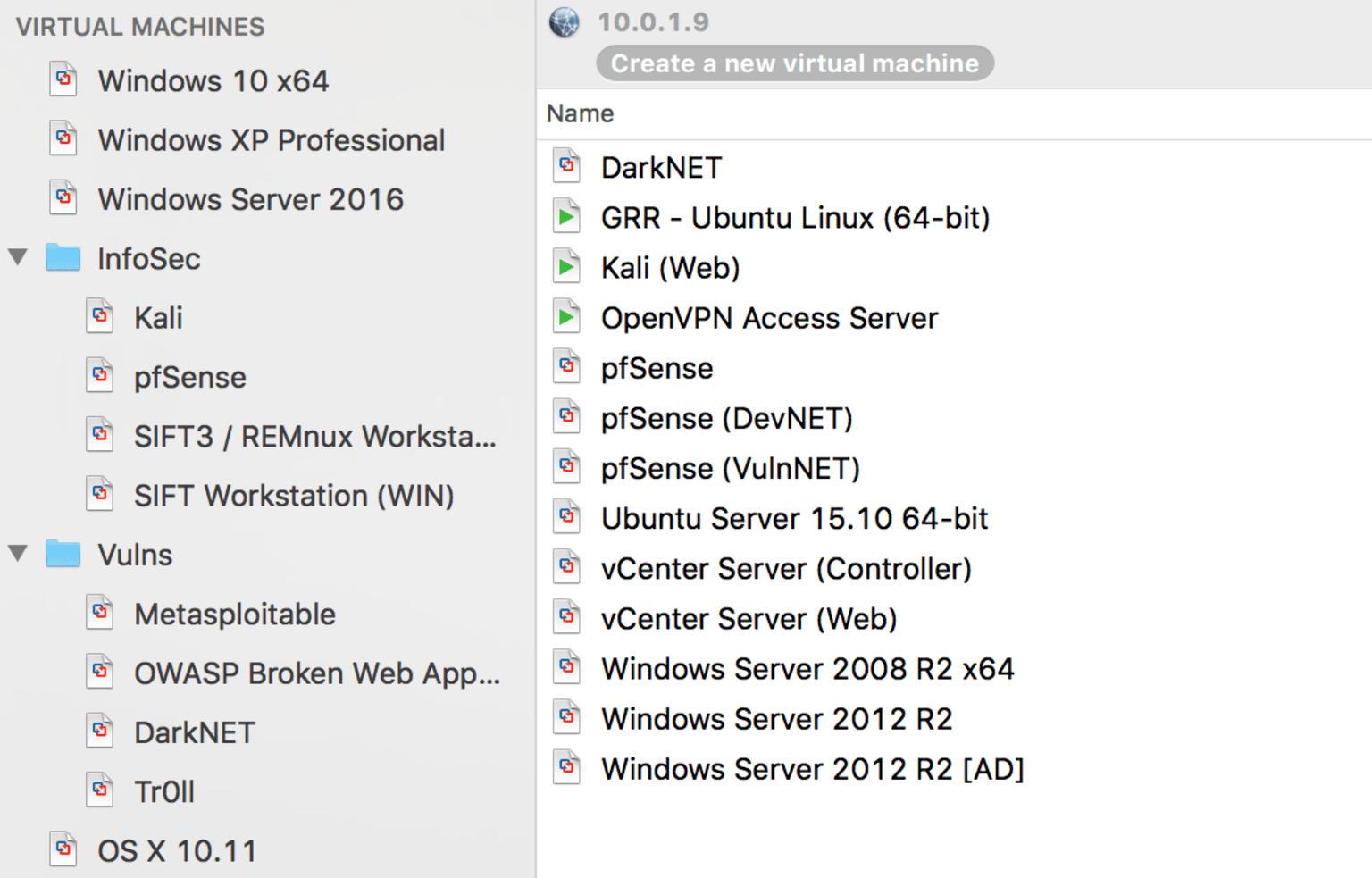
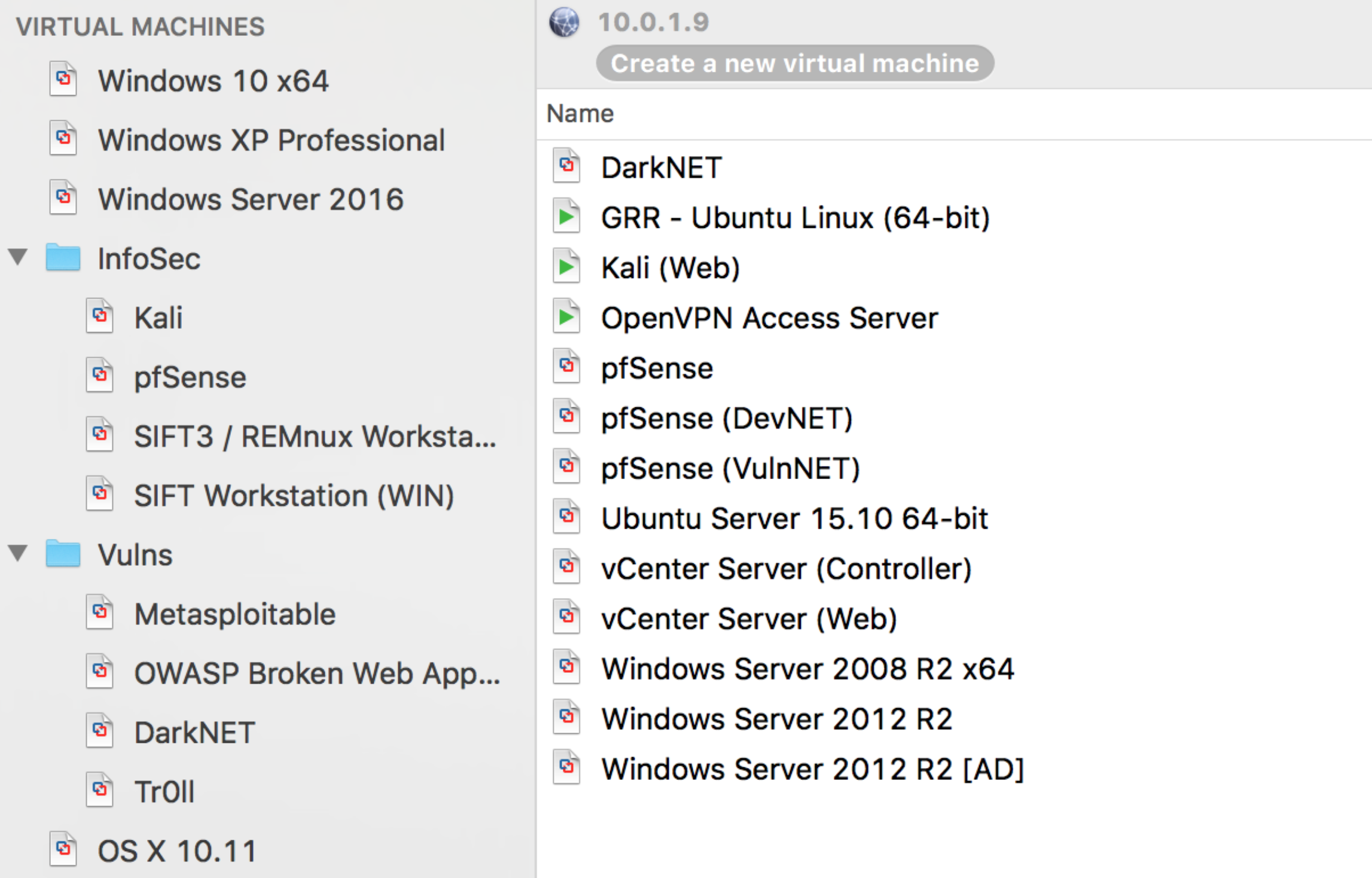
A lab is a critical tool that any InfoSec professional should have—whether you work in forensics, reverse engineering, or pentesting. I know many hiring managers and organizations that, as part of an interview process, ask the question, " What's in your lab?" or " What does your lab look like?"
Honestly, there's no real excuse not to have one. Cost really shouldn't be a factor in today's technology landscape. At the cheapest end of the spectrum, you could use your main computer and load VirtualBox (free) and a variant of Linux (free) to test programs and capabilities. At a costlier end of the spectrum, you could have a 42U server rack with servers, switches, and firewalls segmented using ESXi to manage virtualized networks and servers to recreate environments to find weak spots.
Come across malware and want to know what it does? Snapshot your OS, throw it in your lab that is blocked off from the internet, and see what happens. Come across an exploit that affects Windows Server 2012 R2? Deploy a W2K12R2 server and figure out how the exploit works and how the patch mitigates the attack.
If you have a spare computer (desktop or laptop) here's what I recommend (it's a method):
Step 1: Install a Hypervisor
VMware offers a free license of VMware vSphere Hypervisor (ESXi). I know major organizations that utilize VMware's systems. Using ESXi also gives you an opportunity to use virtualization software that translates across other products as well. It offers work experience with the virtualization platforms enterprises are already using. If you are not convinced yet and entirely sold on dedicating an entire computer for a virtualization server operating system like ESXi or Xen, you can run a program-based hypervisor as well, like VirtualBox, Vagrant, Hyper-V, VMware Workstation, or VMware Fusion for my Mac folks out there. If you want to play with the new stuff, try out containers and experiment with Docker.
vmWare vSphere: https://www.vmware.com/products/vsphere-hypervisor
Step 2: Add a Firewall VM
pfSense is an open-source firewall and router. pfSense will allow you to get a feel for firewalls, rules, and give you better control of your network than what ESXi has built in. Also, it's a router, so it can provide DHCP to the other virtual machines (VMs) that you might deploy in the future. However, if you have limited RAM, I would skip this one and go with the built-in controls of ESXi or your hypervisor of choice if it has that capability built in. I would just keep a close eye on the internet connections you provide your hypervisor and VMs.
pfSense: https://www.pfsense.org/download/
Step 3: Pick Your Operating Systems
Most distros of Linux are free. Pick one, install it, and go to town. You can deploy network security monitoring (NSM) stacks like Security Onion or OpenNSM. You can also go the penetration tester route and install Kali along with vulnerable operating systems like Metasploitable.
- Windows VMs: https://developer.microsoft.com/en-us/microsoft-edge/tools/vms/
- Vulnerable VMs: https://www.vulnhub.com/ (Love this place, but be careful!)
Step 4: Collaborate and Refine
Just like everything else in the world, nothing is perfect, and things are ever changing. Find peers who have a lab, see what they are using now, and continually refine your setup. New technologies come out, storage gets cheaper, expand your storage, and get more RAM. The problems and management pain points that you go through with your lab relate to what IT departments and managers experience daily. Employers respect having that point of view, and others who have a lab instantly relate to " the struggle."
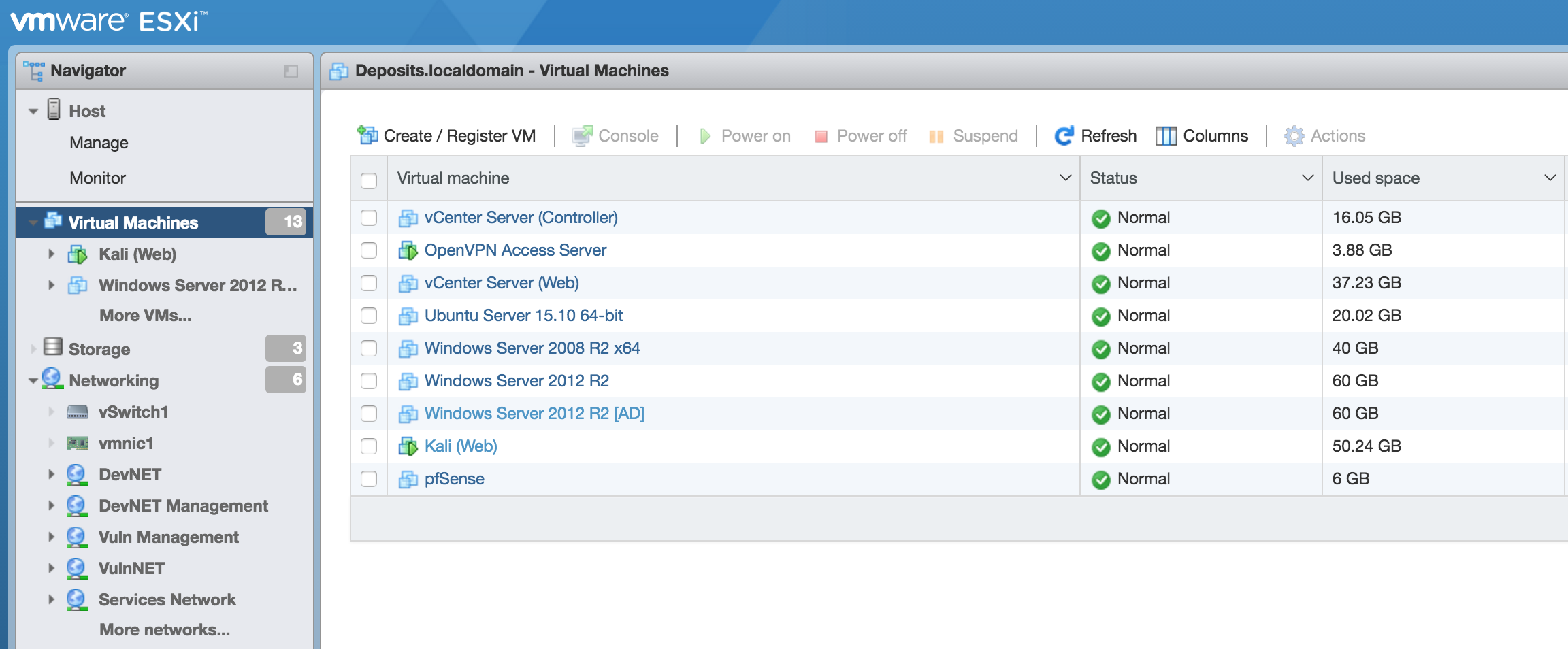
Disclaimer: keep in mind this is only a method. There are tons of options out there to try and experiment that I am not mentioning and can accomplish the end goal. All of this could be done by running something like Docker on a laptop, but that wouldn't make a fun conversation, and you will miss out on dealing with hypervisors.
In InfoSec, I have come to learn that it is largely about passion and experience—it could be the difference in that interview. Before you know it you have yourself a nice playground that will aid future research, sharpen your experience, and give you something to be proud of when that interviewer asks you "What does your lab look like?"