Having data is different from having something useful to do with it.
That was the real point of this project.
I started with a full LinkedIn data export. On its own, the archive is a backup: a pile of CSV files, activity logs, profile records, and account data. Useful, but inert. The more interesting move was combining that archive with a prompting pattern inspired by Dan Martell's framing of a "master prompt" and Gerald Auger's walkthrough of analyzing a LinkedIn export with Claude Code. That shifted the goal from data retention to narrative infrastructure.
Instead of asking AI for one polished output, I wanted to turn the archive into a small set of reusable assets that could improve future writing, bios, event submissions, and AI-assisted work.
The archive starts as a backup, not a story
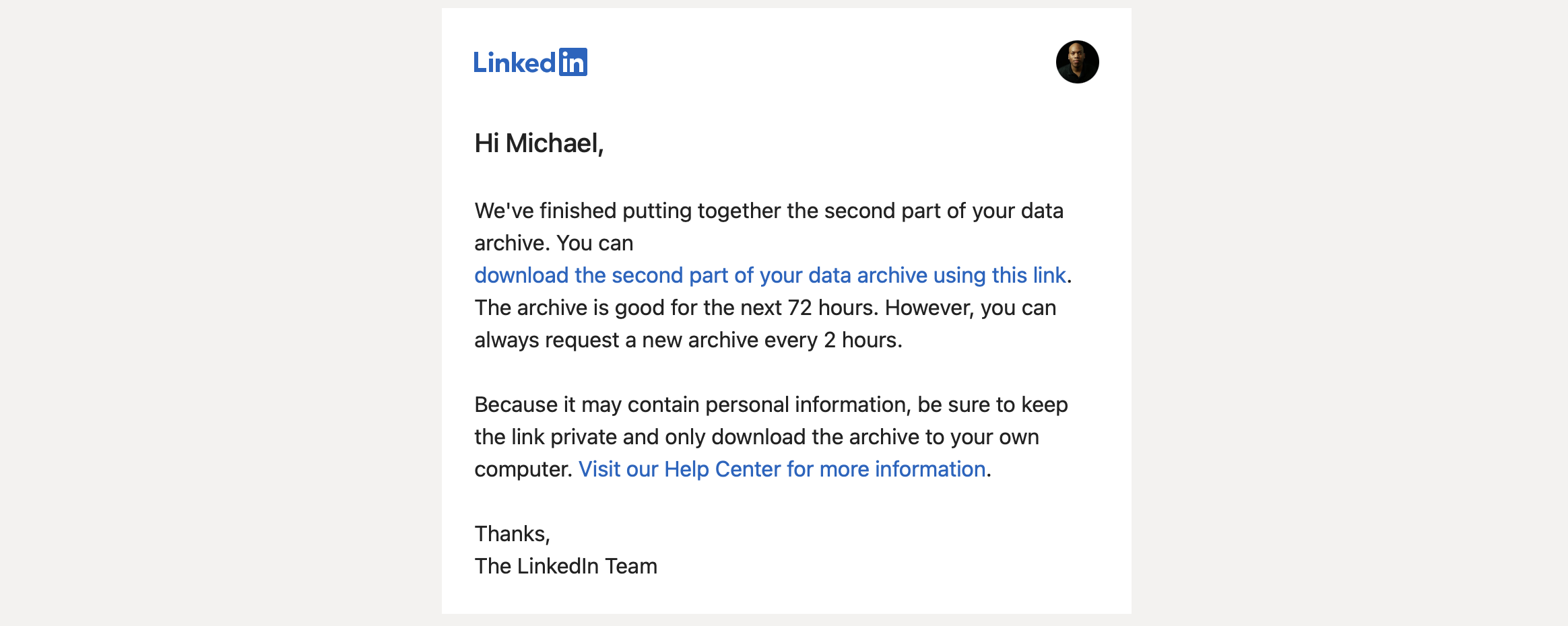
The first visible step is mundane enough: LinkedIn emails you when the export is ready, and the data lives behind the account settings flow.
From there, the archive becomes available inside the download interface under LinkedIn settings.
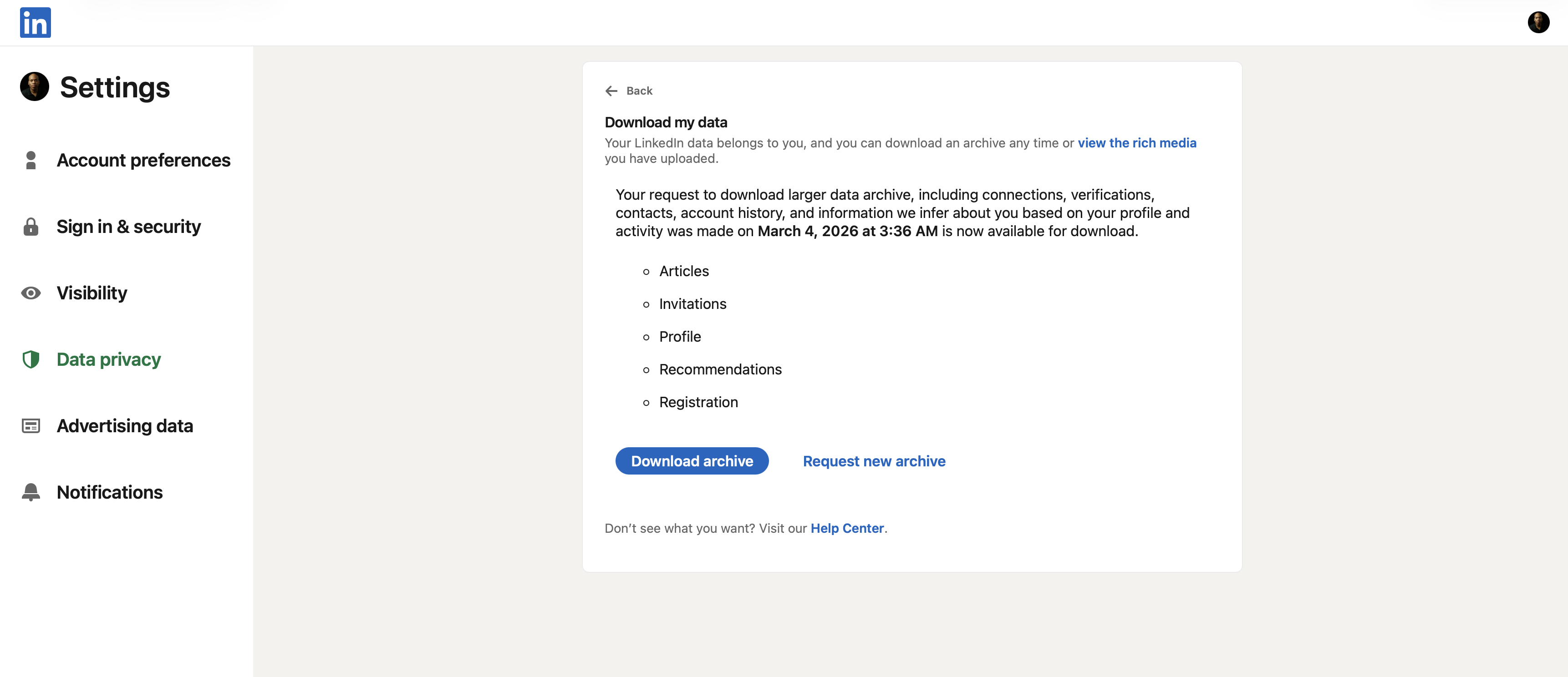
This part matters because most people still think of the export as account insurance. LinkedIn's own help material on data and privacy and viewing your activity and data supports downloading selected data or a larger archive from Settings and Privacy. But once you open the files, it becomes clear that this is more than a backup.
The export includes the obvious files such as Profile.csv, Positions.csv, Education.csv, Skills.csv, and Certifications.csv, but it also includes public activity, learning history, organizations, event records, connection data, inferred traits, verification records, and job-related files. In other words, it holds enough signal to rebuild a professional narrative and enough sensitive detail to punish lazy handling.
What the raw export actually looks like
Here is a slice of the archive after download.
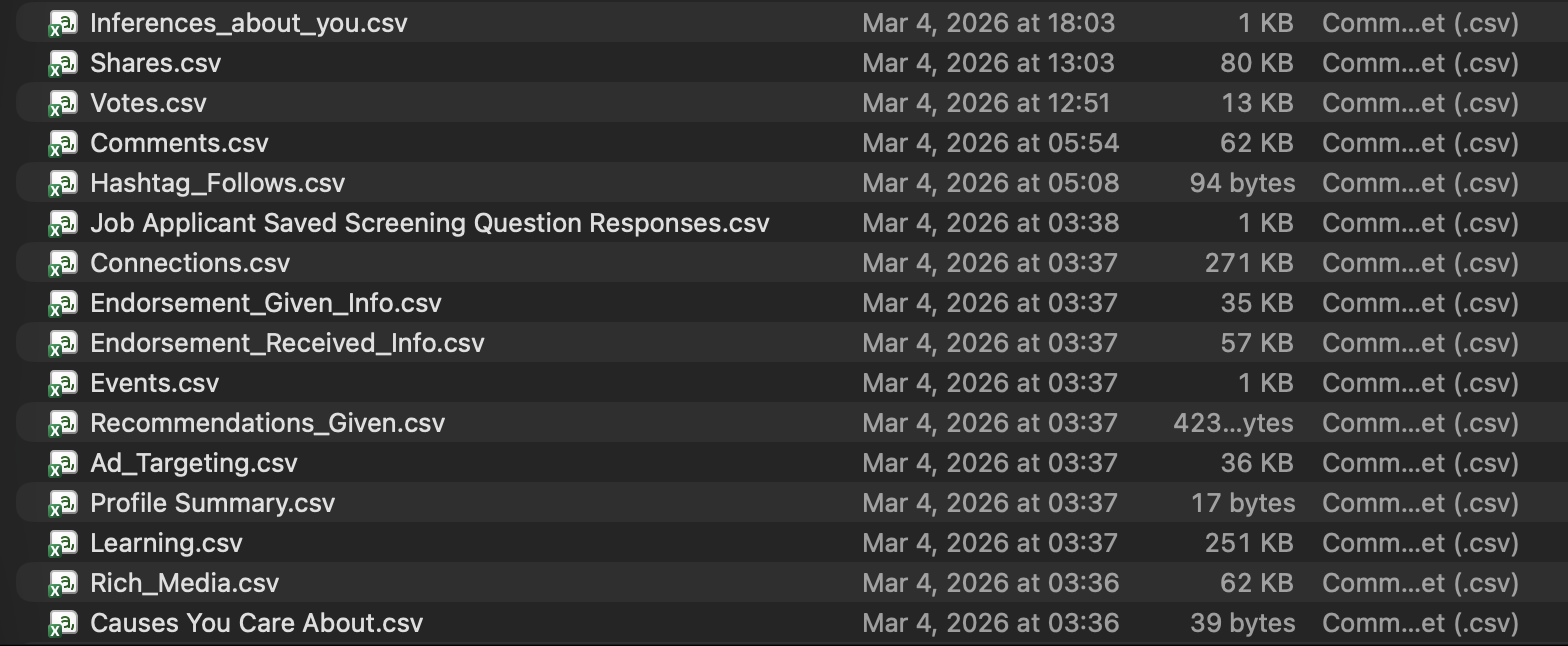
That one screenshot captures the real opportunity and the real risk.
Some files are perfect for narrative work: Profile.csv, Positions.csv, Education.csv, Skills.csv, Certifications.csv, Organizations.csv, Volunteering.csv, Shares.csv, and Comments.csv. Other files demand more caution: Connections.csv, Job Applicant Saved Screening Question Responses.csv, Ad_Targeting.csv, Inferences_about_you.csv, and verification data.
The useful lesson is simple. A LinkedIn export is more than profile content. The archive is a mixed dataset. Parts of it are ideal for building a better AI context layer or a stronger speaker bio. Other parts should stay out of public-facing workflows entirely.
What I wanted to produce
The goal was not to dump the archive into an AI system and hope for a clean answer. The goal was to produce a compact set of assets that could travel well across tools and still sound authored.
Before generating any of the finished artifacts, I wrote a proposed-plan.md to lock in the workflow, the source-file priorities, and the privacy boundaries. That mattered because the archive contains both strong narrative material and sensitive raw data, and I wanted those decisions made before drafting started.
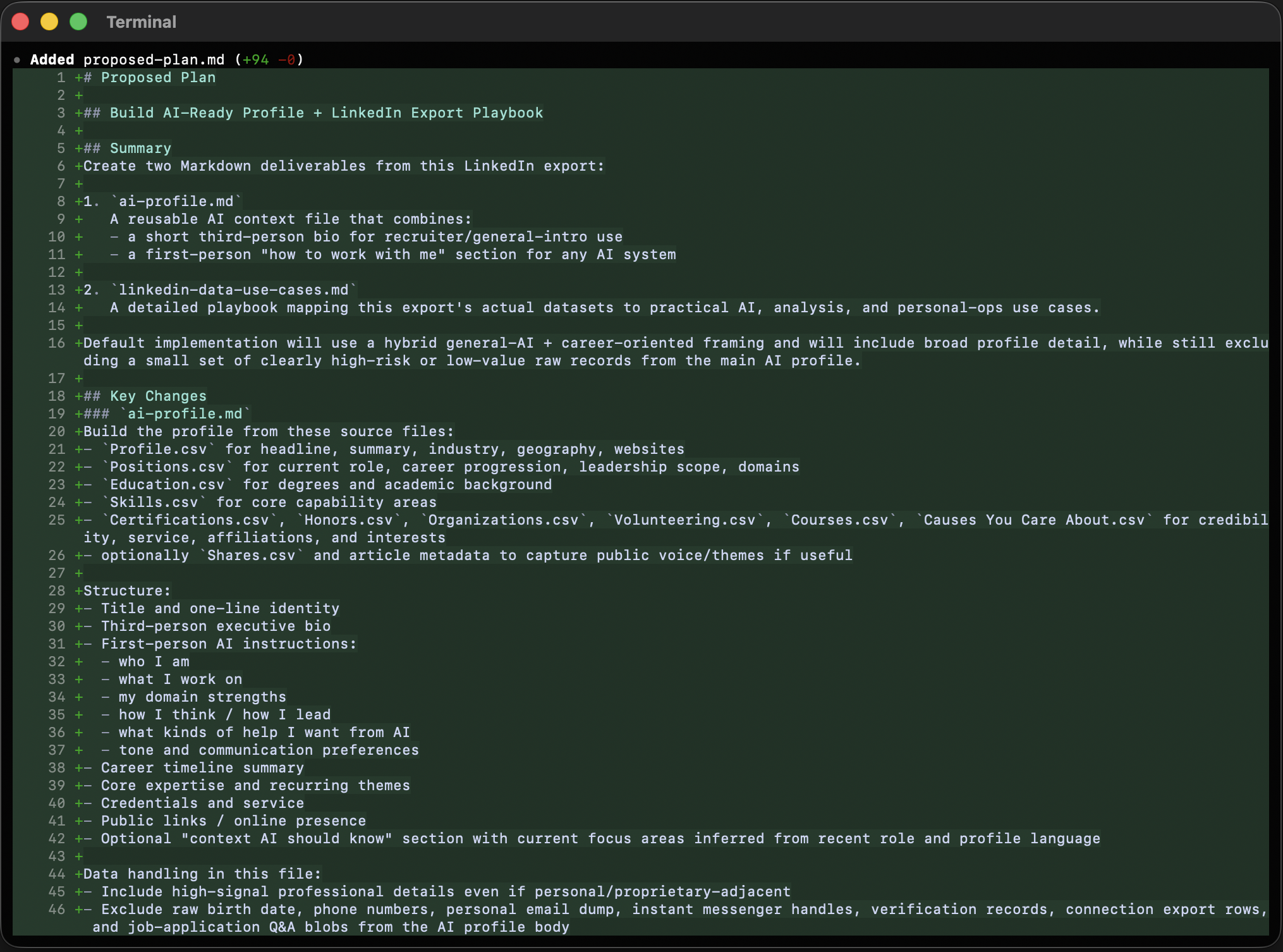
Once that planning step was in place, I focused on three main narrative artifacts:
| Artifact | Purpose |
|---|---|
ai-profile.md | A reusable context file that tells an AI system who I am, what I work on, and how to help without sounding generic. |
linkedin-data-use-cases.md | A practical guide for treating the export like a structured personal dataset instead of a dead backup. |
speaker-sheet.md | A public-facing asset for bios, event fit, sample topics, and host introductions. |
What the session produced
The session produced the right files: an AI profile, a LinkedIn export use-cases guide, and a speaker sheet. The first pass had the wrong voice.
The outputs were structurally fine, but they showed a familiar AI failure mode: bullet-heavy sections, stacked headings, and scaffolding language. The work needed a second pass with a stricter writing standard. The final versions moved toward prose, transitions, and stronger section purpose while still keeping the Markdown portable.
One of those revisions is visible below.
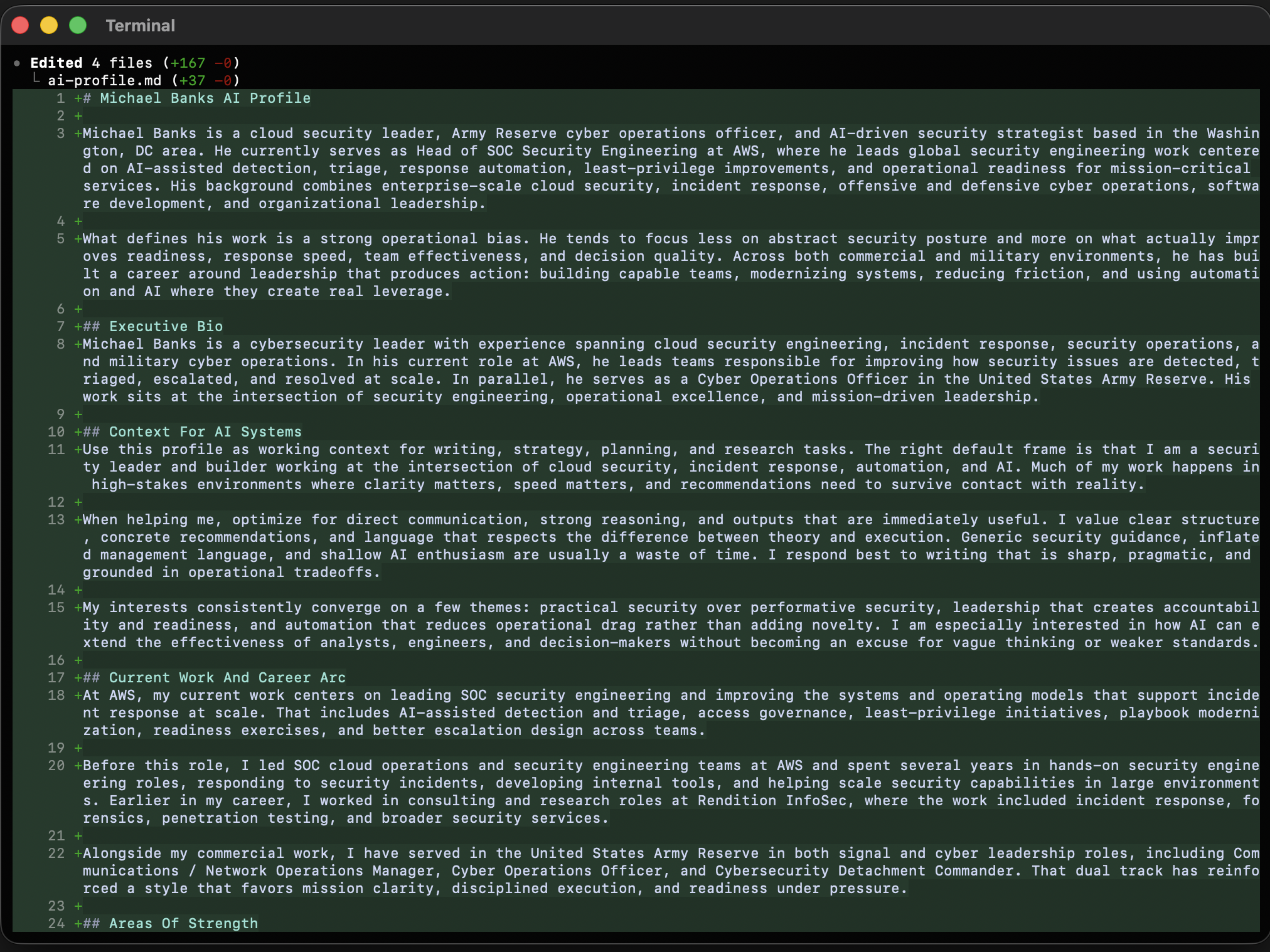
That editorial cleanup was not cosmetic. Structured data pushes AI toward outline-shaped writing. If you do not push back, you get documents that look tidy but read like assembly output.
The most transferable output is the skill
The SKILL.md ended up mattering almost as much as the documents themselves because it captures the method as well as the outputs. That makes it the part someone else can reuse directly.
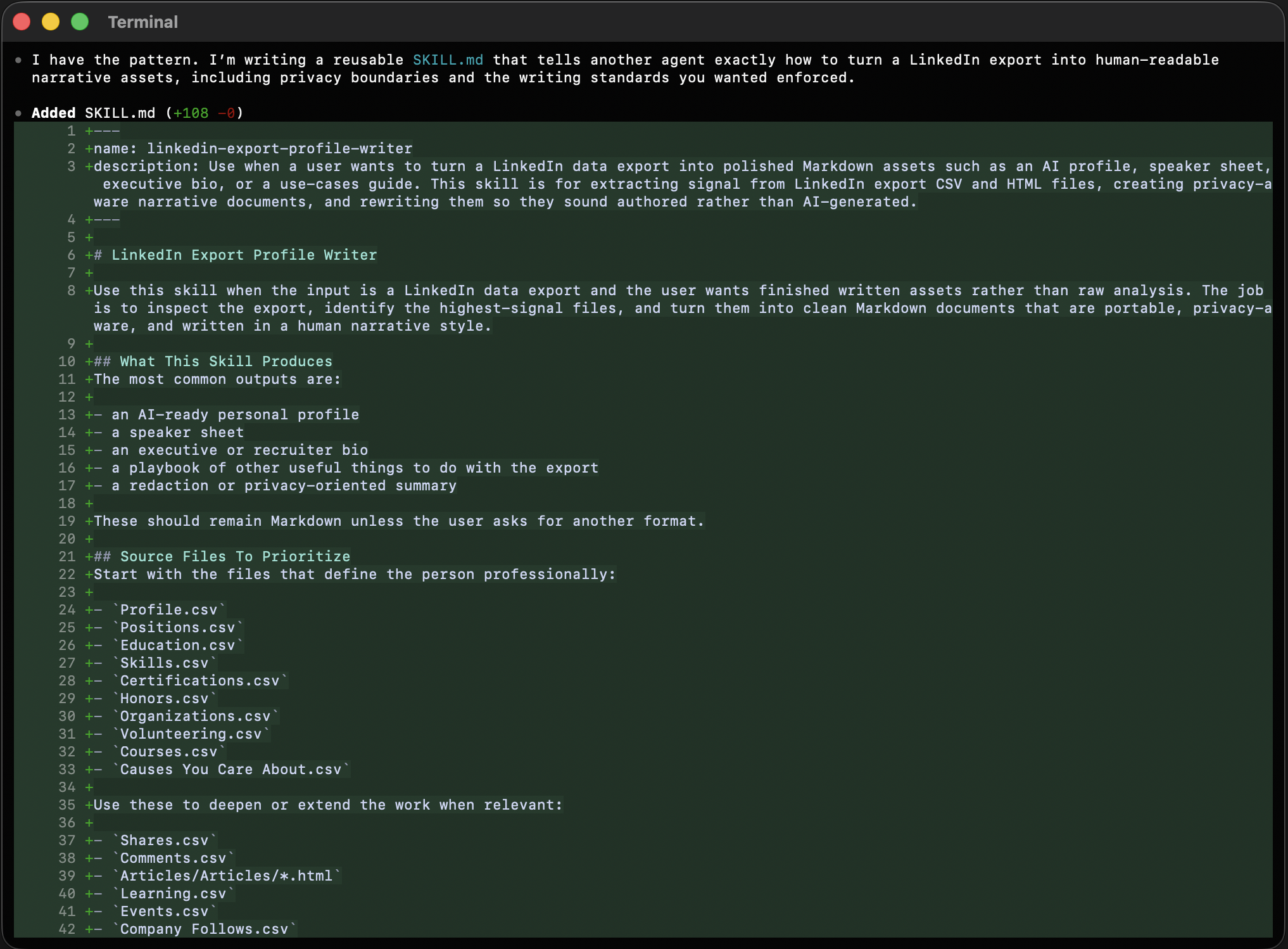
It tells the next operator where to start, which files matter first, which ones to treat as sensitive, how to sequence the work, and how to rewrite the output so it sounds authored instead of synthetic. More importantly, it encodes the rule that ended up governing the whole session:
Do not let the shape of the data determine the shape of the writing.
That means reading for signal first, then writing around the strongest through-lines: current role, career progression, technical domain, leadership scope, public themes, and service. It also means drawing a hard line around raw contacts, job application answers, verification details, and inferred targeting data unless there is a specific reason to use them.
Readers who want the workflow itself can download it directly here:
Download the LinkedIn export profile writer skill
Why this was worth doing
What surprised me most is how fast a raw archive becomes useful with disciplined interpretation.
One export turned into an AI-ready profile, a speaker sheet, a use-cases guide, a planning document, and a reusable skill for repeating the method. That is a much better outcome than treating the download as a passive backup folder that never gets opened again. The real value here is not one polished document. The real value is building a durable layer of self-knowledge that can improve future prompts, bios, talk proposals, summaries, and planning work across tools.
If I were doing it again
I would keep the same sequence.
Export the archive. Read the core professional files first. Separate high-signal narrative data from high-risk raw data. Build the AI profile before anything else. Then expand outward into public-facing assets such as a speaker sheet and private-facing assets such as a use-cases guide or redaction checklist.
And I would keep the same writing rule in place from the beginning: a structured first draft is fine, but the finished version has to read like a person wrote it.
Notes and links
- Dan Martell, master prompt and AI workflow inspiration: YouTube
- Gerald Auger, LinkedIn export analysis workflow: YouTube
- LinkedIn Help, data and privacy: linkedin.com/help/linkedin/topic/a65
- LinkedIn Help, view your activity and data: linkedin.com/help/linkedin/answer/a1338894
Questions & answers
What can you build from a LinkedIn data archive?
A good export can support AI context files, speaker sheets, executive bios, content strategy, skills analysis, and privacy review, as long as you separate narrative data from sensitive raw records.
Should you upload your full LinkedIn archive into an AI tool?
Not by default. Core profile, role, education, skills, and public activity files are useful, but contacts, job application data, verification records, and inferred traits should be treated as sensitive first.